Free Viewer DWG FastView
DWG FastView is a free program for viewing DWG, DXF, DWS files intended for users of computers with Windows system and users of mobile devices with iOS and Android systems (mobile phones, smartphones, tablets). The program allows you to quickly load the indicated DWG files, it is easy to use and enables simultaneous preview of many 2D CAD and 3D CAD drawings. DWG FastView is available in the Polish language version for both 32-bit and 64-bit systems.
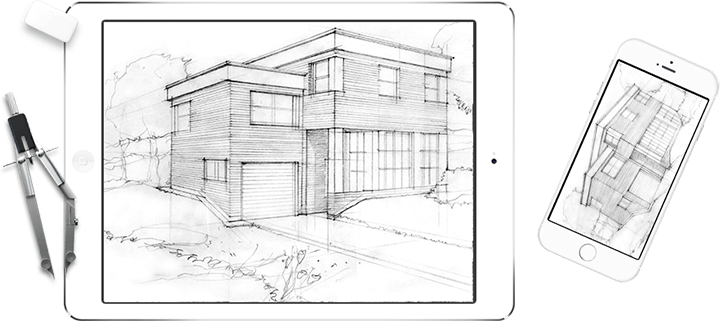


The main features of DWG FastView

Quick Operation
The program allows you to quickly view many complex drawings. It is also possible to quickly move, zoom and highlight objects.

CAD files support
DWG FastView supports DWG (R14 to 2015) files, DWS files and DWT files

Displaying 2D/3D objects
DWG FastView loads both 2D vector files and 3D models. External references and information about objects that can be further distinguished are also displayed.

Transparent interface
The program has a simple and clear user interface, modeled on Windows systems. The interface allows a simultaneous display of multiple tabs with drawings and selecting of view between the sheet and the model.

Layer management
DWG FastView enables effective layer management thanks to options such as: switching layers on and off, blocking and unblocking layers, and freezing layers.

Display Tools
With useful tools for zooming in, zooming out and shifting the view and the innovative Magnifier function, viewing the drawings in the program is fast and convenient.

Print Options
DWG FastView allows easy printing of downloaded drawings. The user has a page setup manager and a print preview option.

Compatibility with Windows
The program works on Windows systems: XP, Vista, Windows 7, Windows 8 (32 and 64-bit)
DWG FastView on mobile devices
Browse and edit your CAD drawings by touch.
If you are looking for a free program of DWG Viewer, Free DWG Viewer, DWG TrueView or DWG Reader type used to view DWG files, the DWG FastView is the best choice. The free DWG FastView file viewer for mobile devices allows you to easily view and edit any DWG files using the touch screen.
Time to watch : 02:21 sec